 Pensieve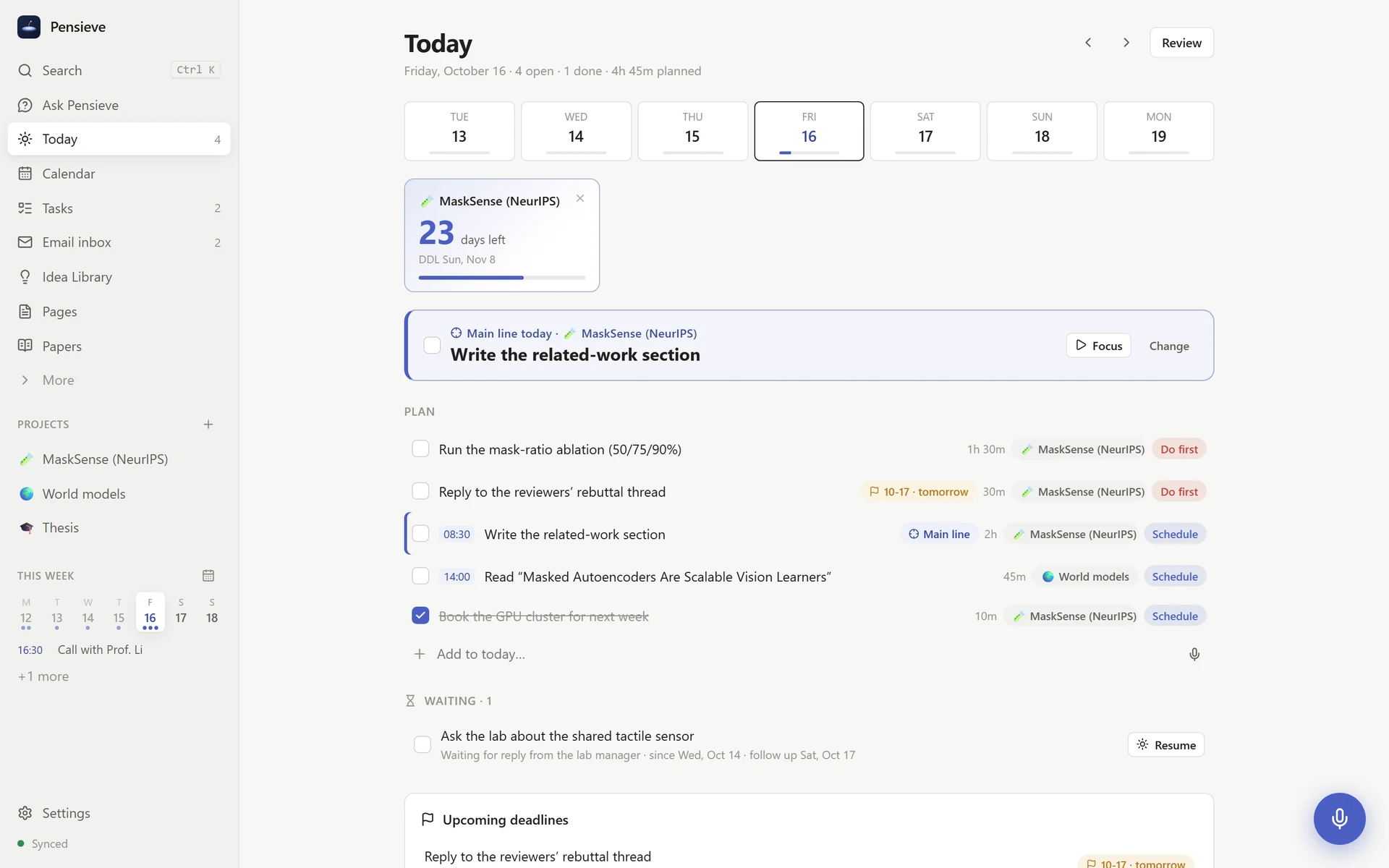
Speak, and it lands in the right place说出来,内容自己归位
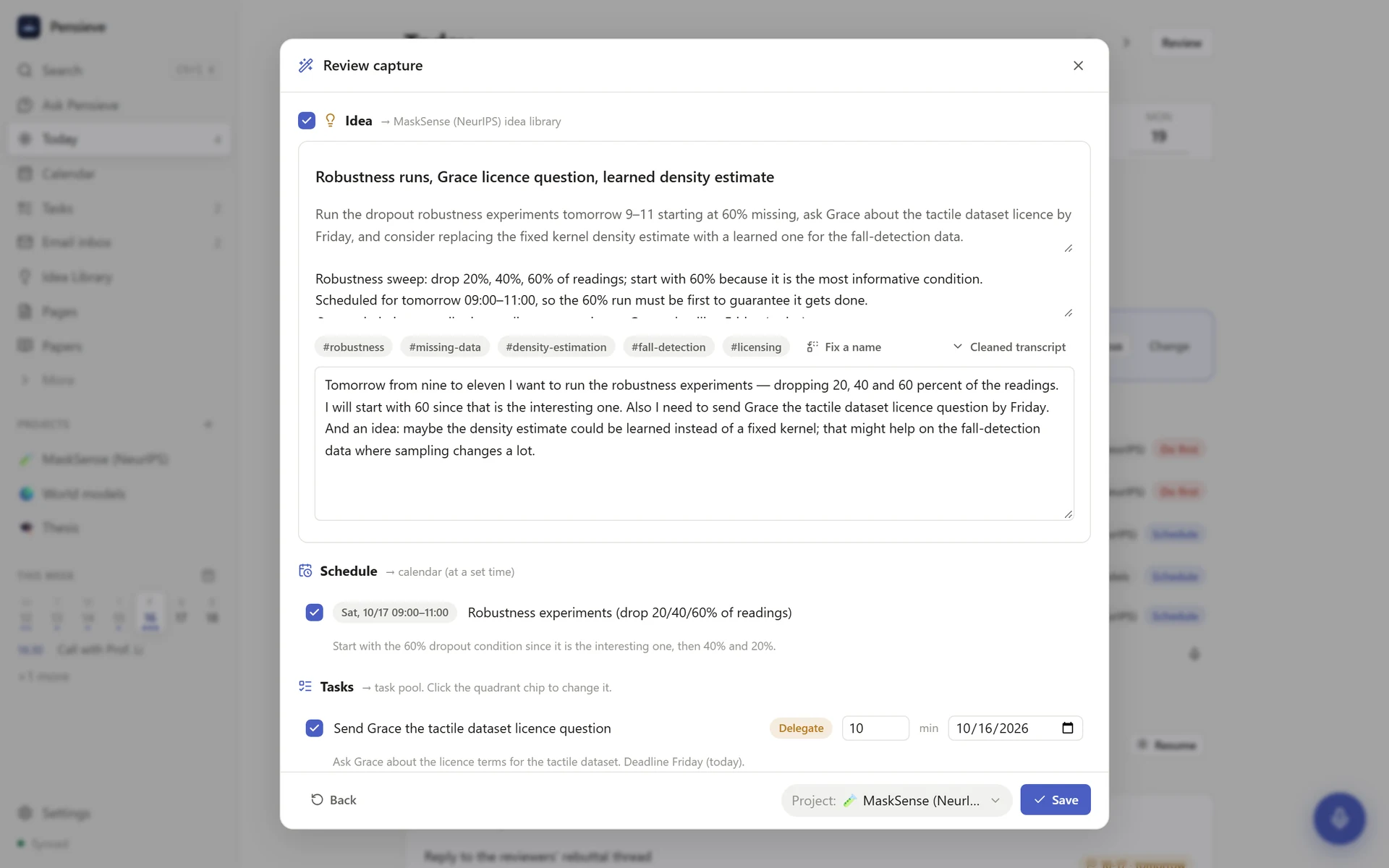
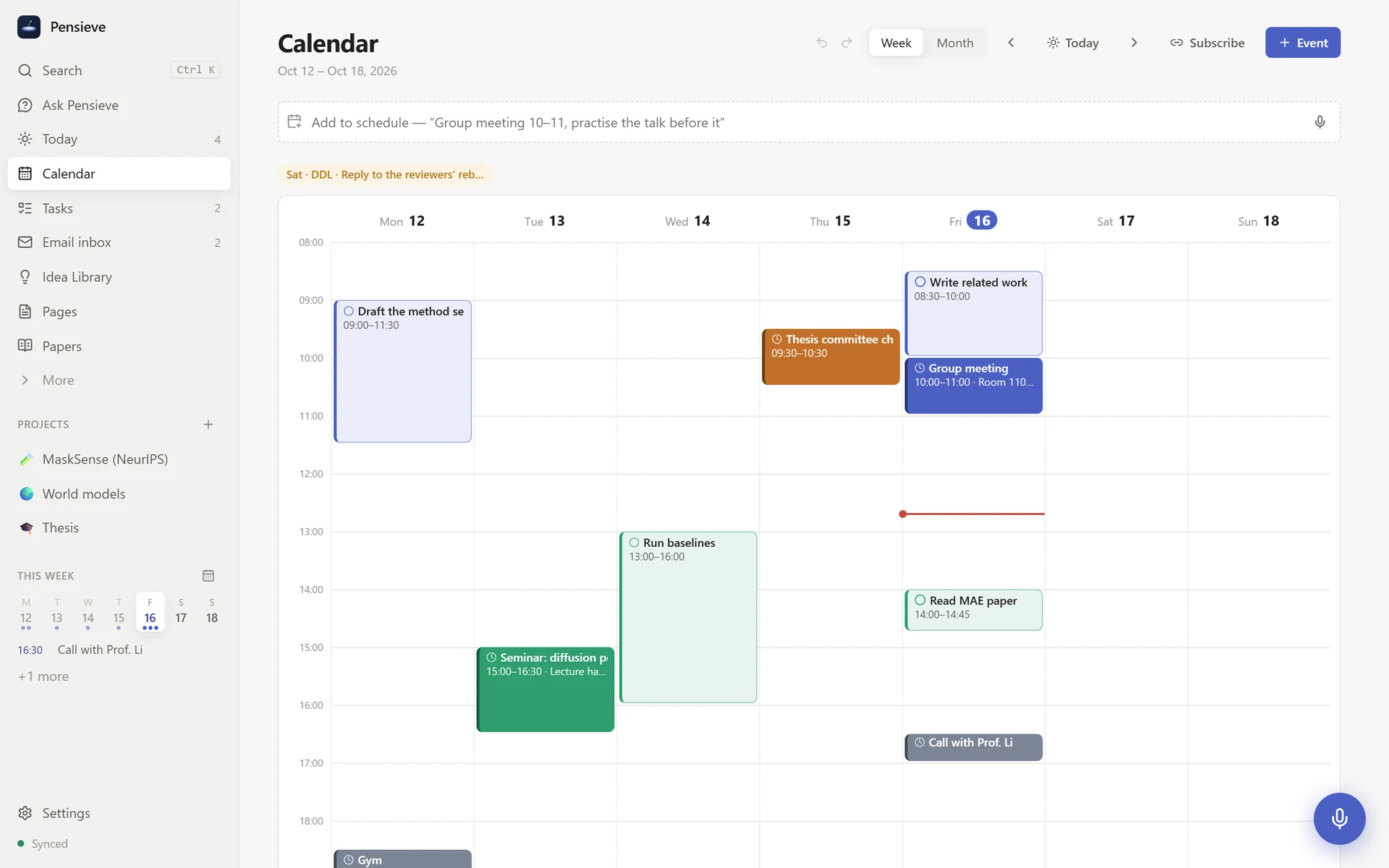
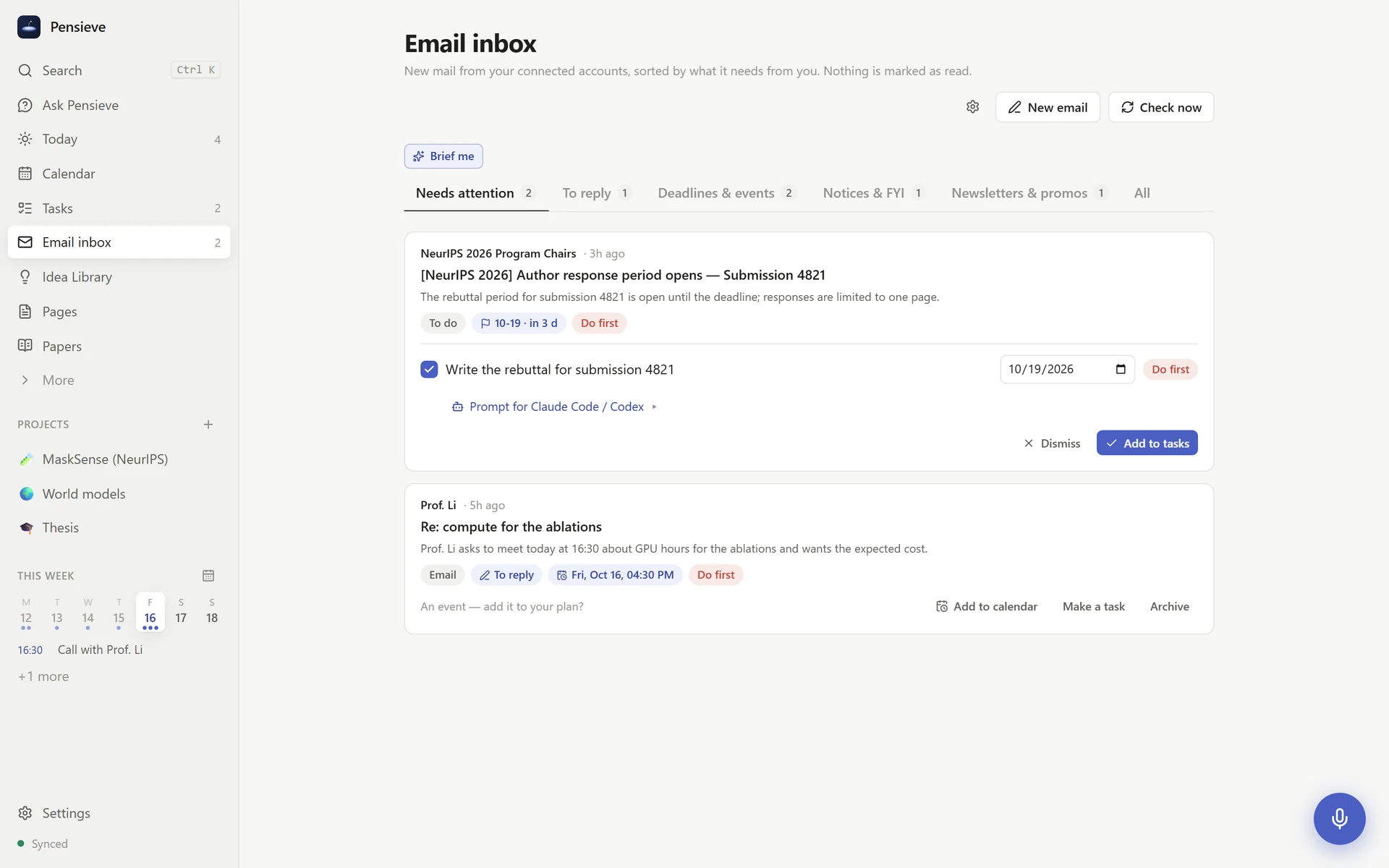
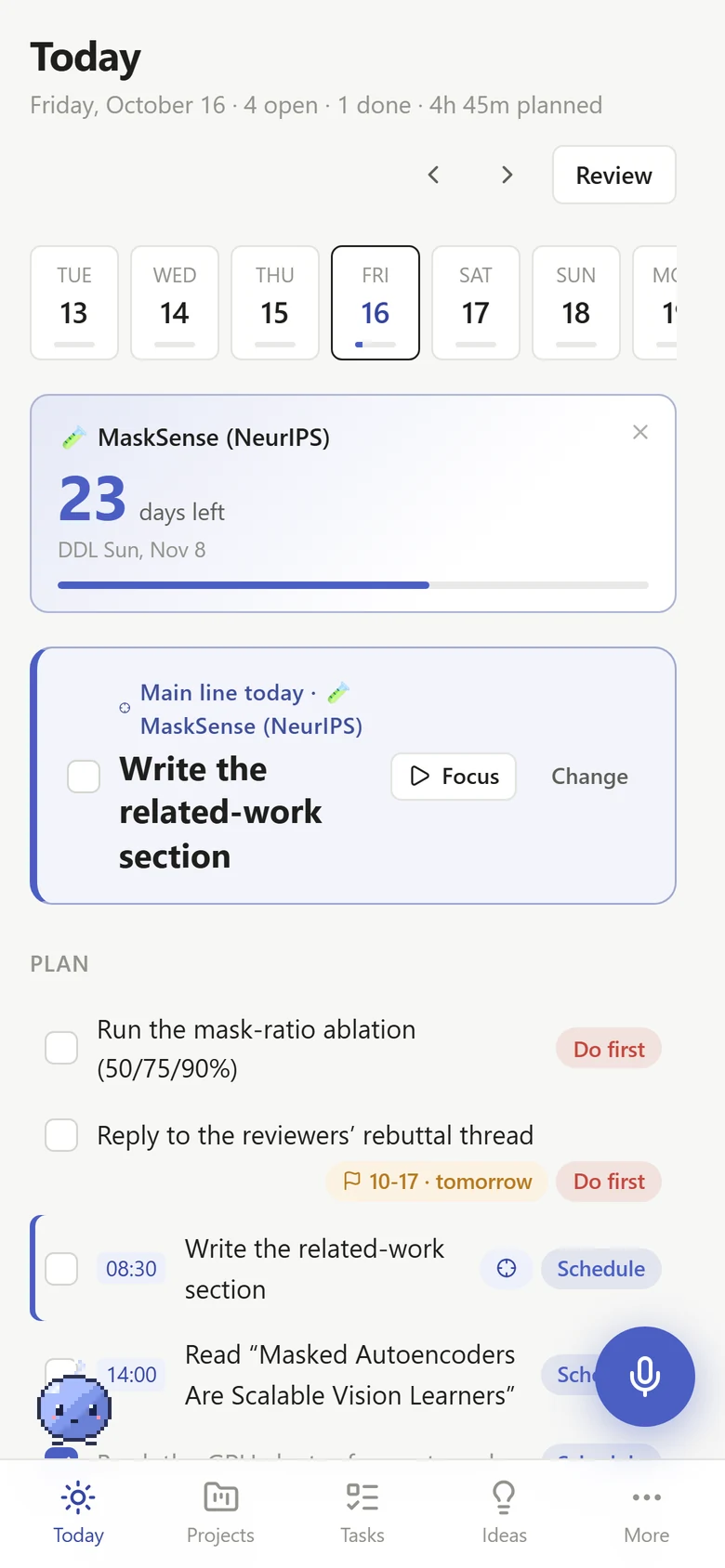
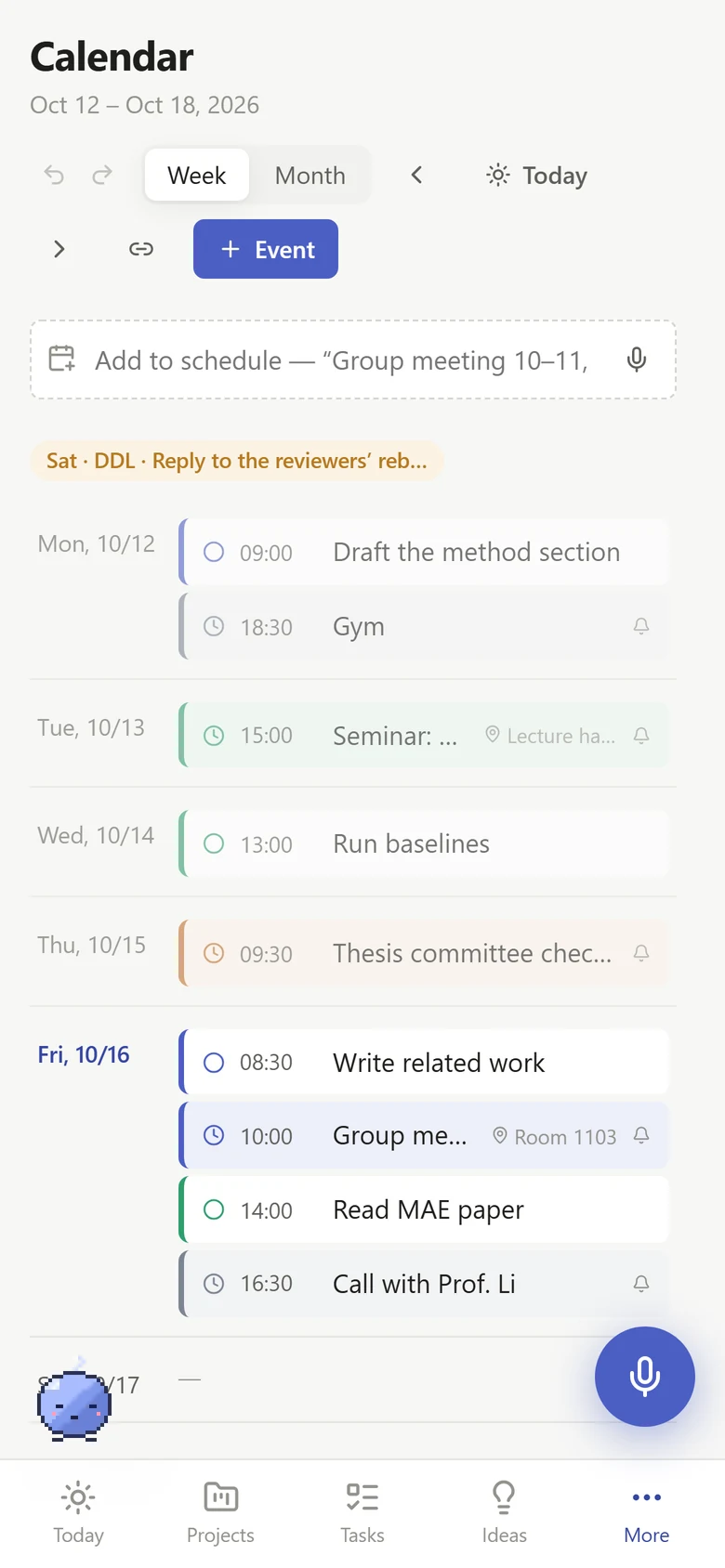
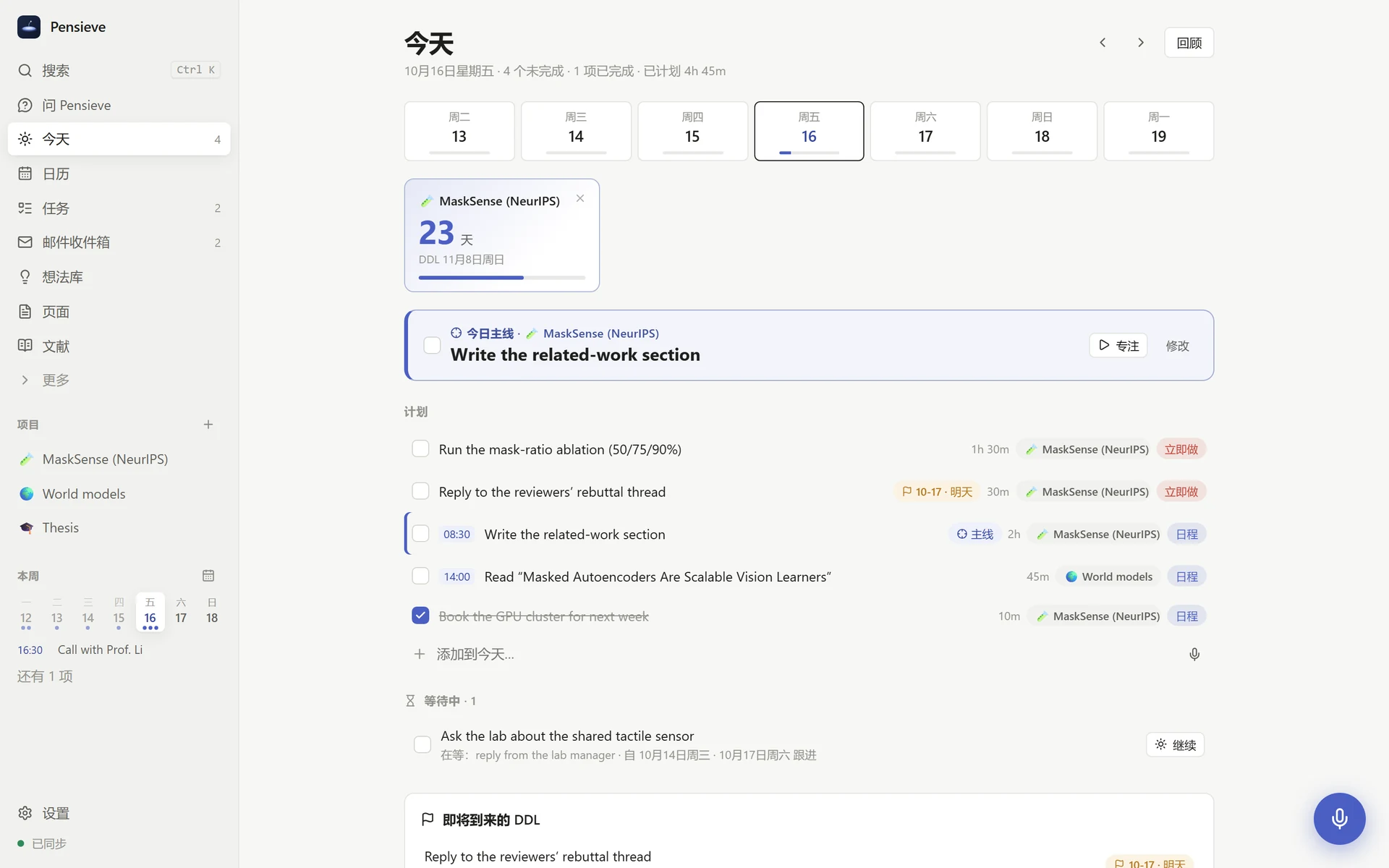
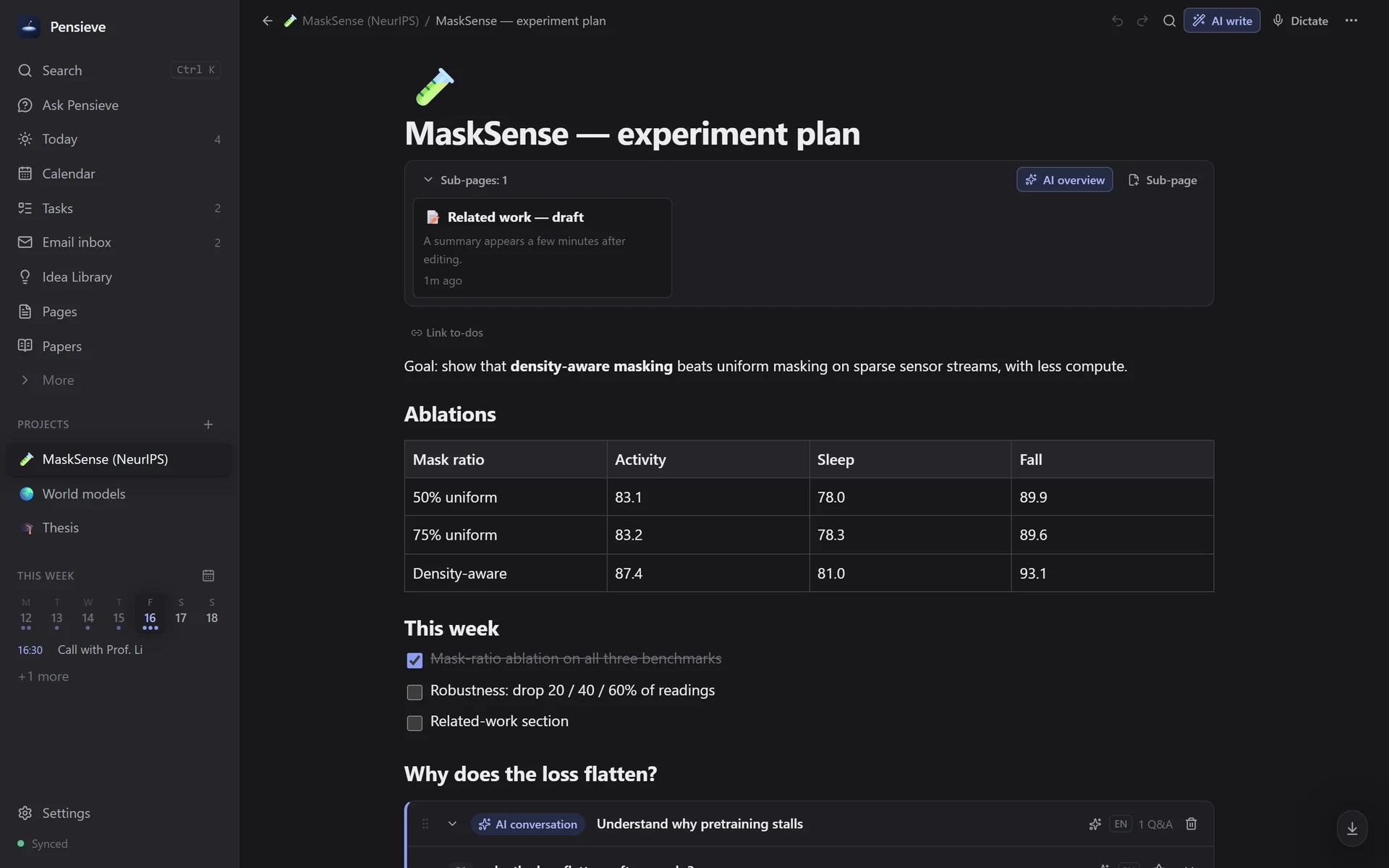
With the cursor in a field or a page, it's plain dictation: a small waveform pill, and what you say is tidied by AI and written right there (the voice hotkey — ⌥Space on a Mac, Ctrl+Shift+Space on Windows and Linux, your own in Settings → Voice & memory — to start and finish, Esc to cancel). With no cursor on Today, the calendar, your tasks or ideas, it's a plan: an idea, to-dos and calendar entries — anything at a set time goes to the calendar, and how you mean to do it becomes its notes.光标在输入框或页面里时就是纯听写:只出现一个带声波的小条,你说的话由 AI 整理后直接写在光标处(语音快捷键开始和结束:Mac 上是 ⌥Space,Windows 和 Linux 上是 Ctrl+Shift+Space,可在 设置 → 语音与记忆 中改成你自己的;Esc 取消)。在今天、日历、待办或想法页面且没有光标时,就当作计划:拆成想法、待办和日程——有具体时间的进日程,你打算怎么做的写进它的备注。
A name heard wrong? Fix it everywhere at once, and Pensieve remembers the spelling.名字听错了?一次改掉所有地方,下次自动写对。
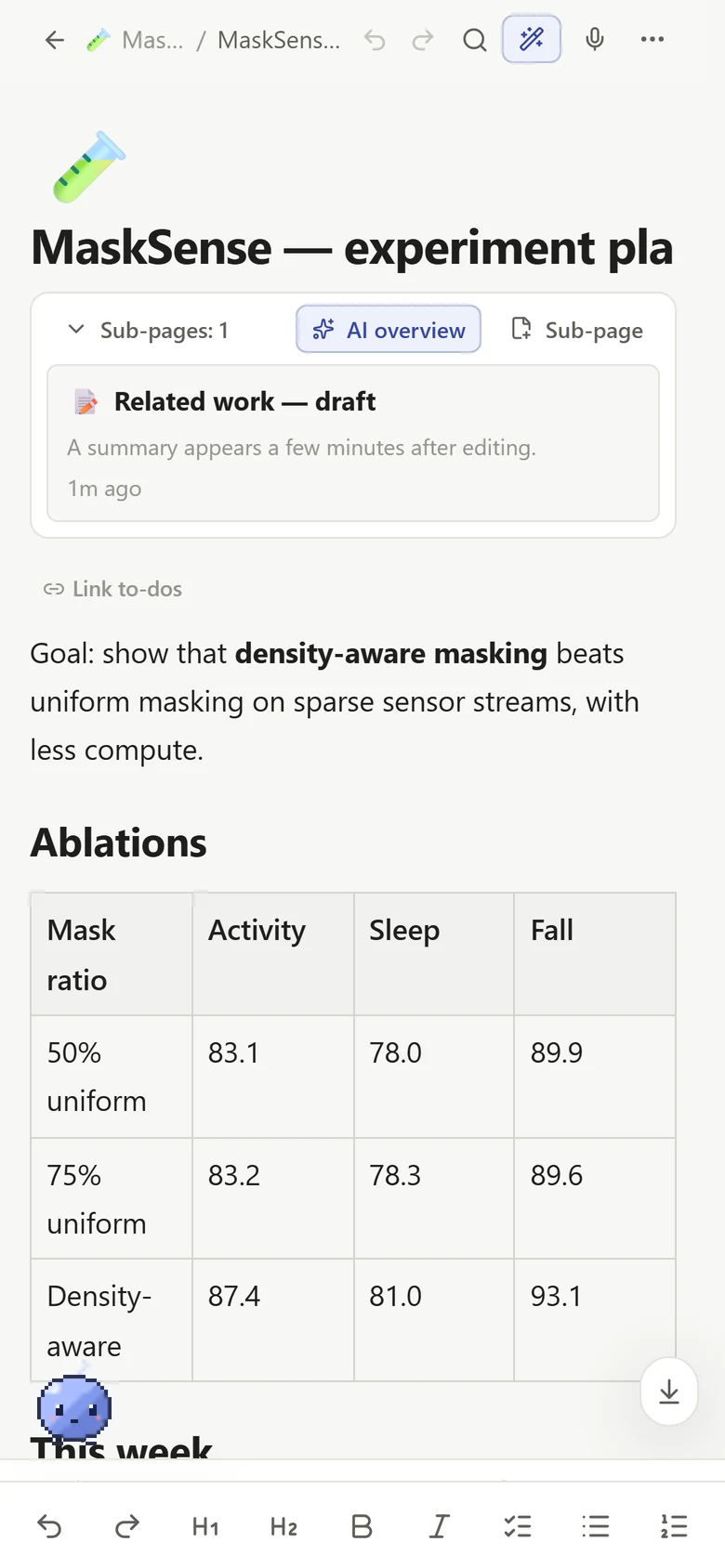
Your ideas connect — within a project and across all of them — and Pensieve says how, and what new thinking follows.你的想法会彼此关联——在项目内,也跨越不同项目——Pensieve 会说明它们怎样关联、能引出什么新思路。